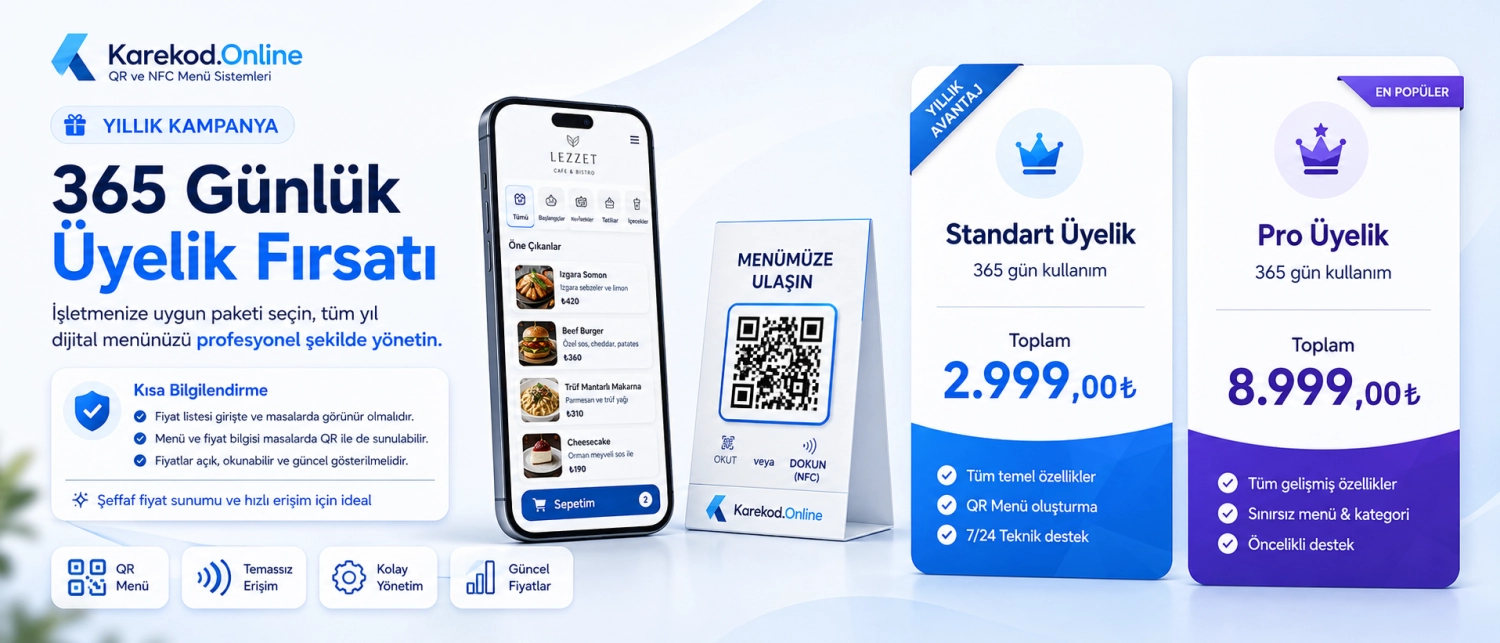
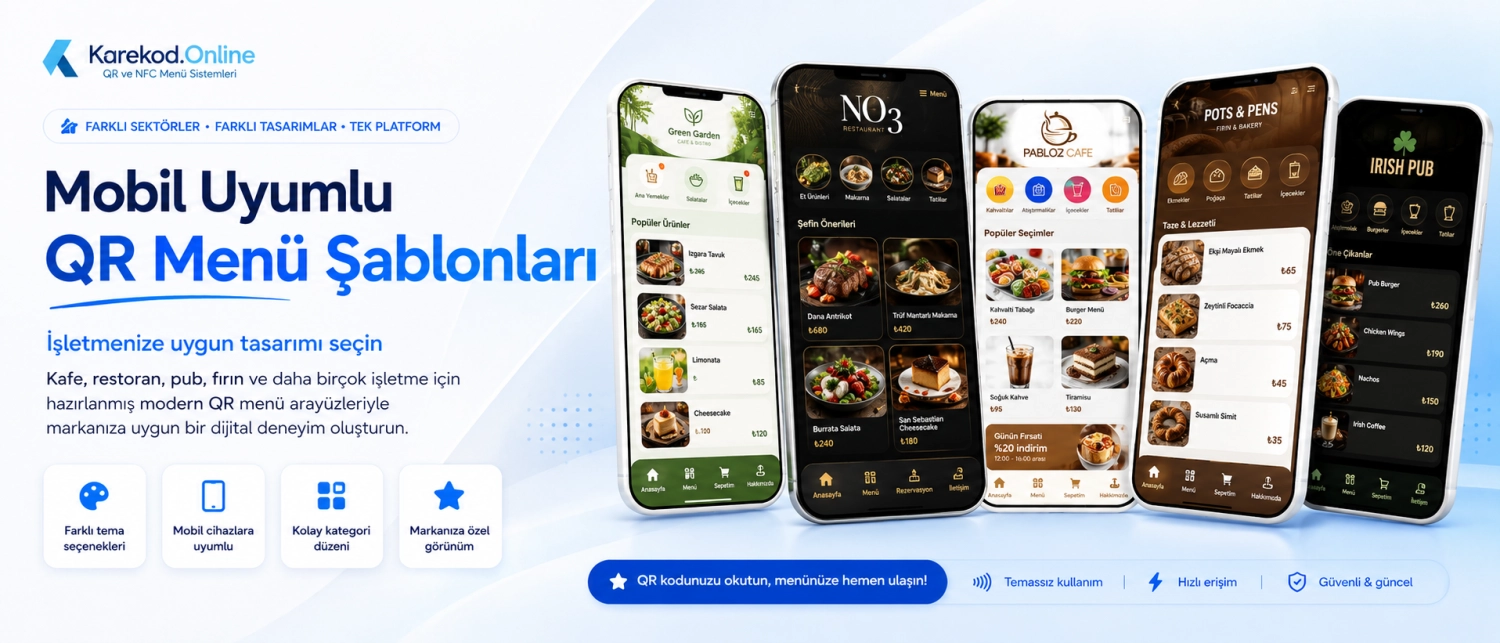
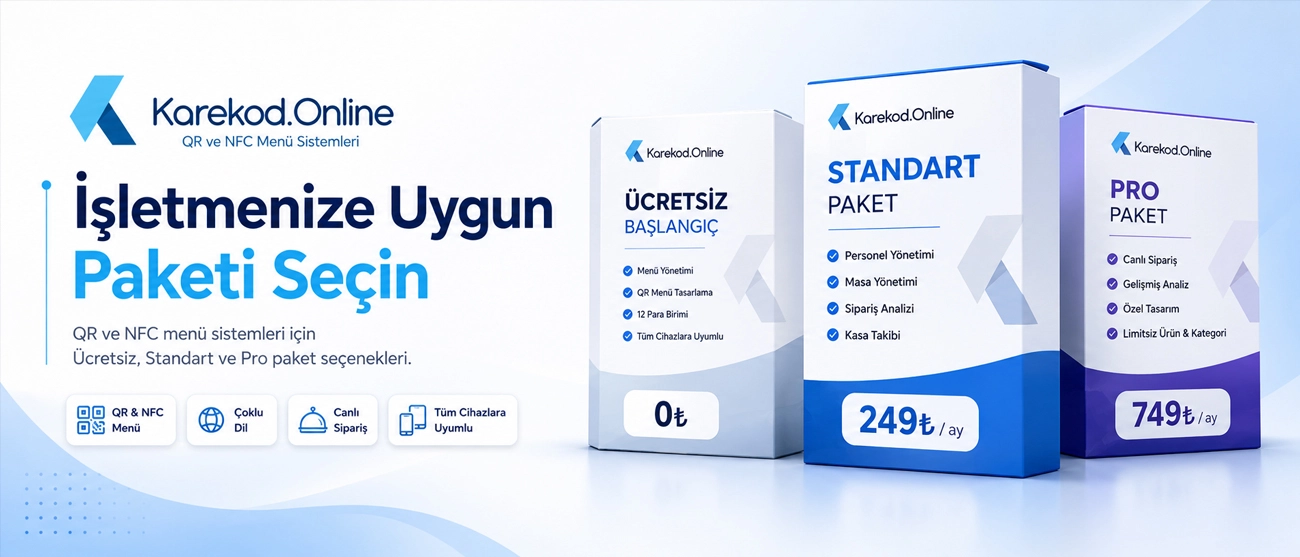
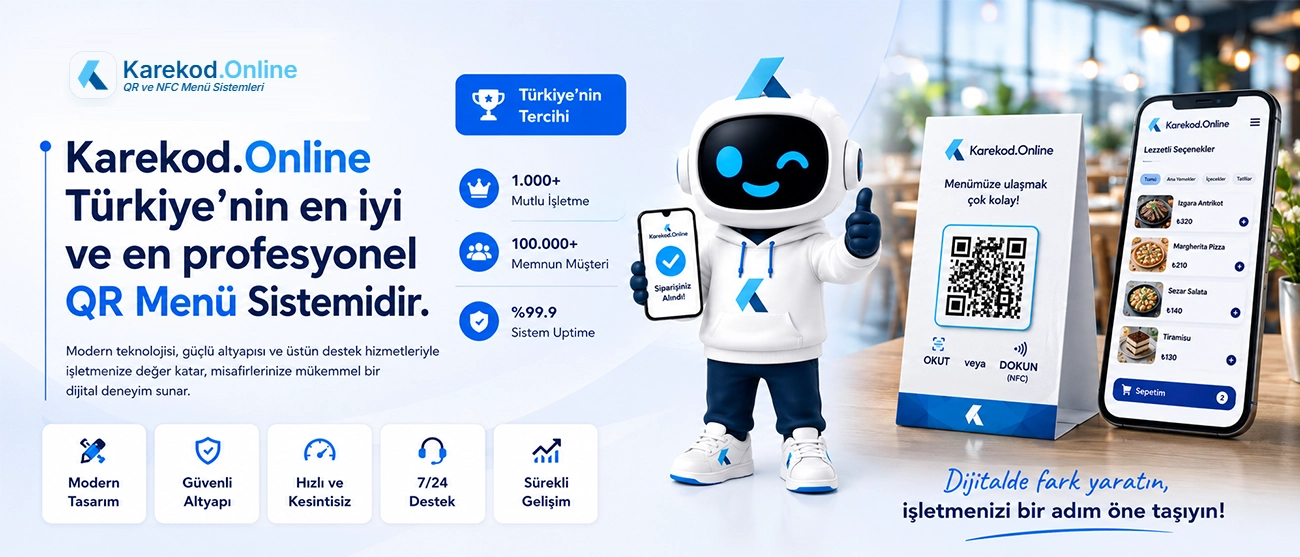
QR menu and digital menu platform visual 1
QR menu and digital menu platform visual 2
QR menu and digital menu platform visual 3
QR menu guide

QR Menu and NFC Menu System

Karekod.Online is a QR menu system designed for businesses that want a fast, editable and multilingual digital menu. You can create QR codes, manage products, update prices instantly and use NFC or live ordering features when needed.

What Is a QR Menu?

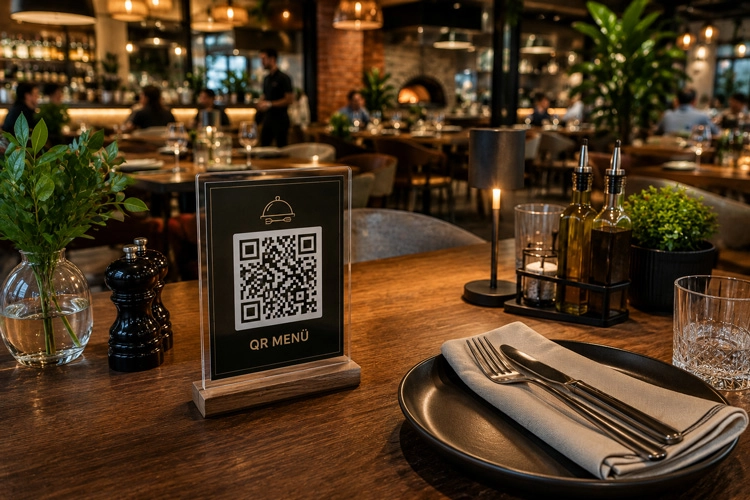
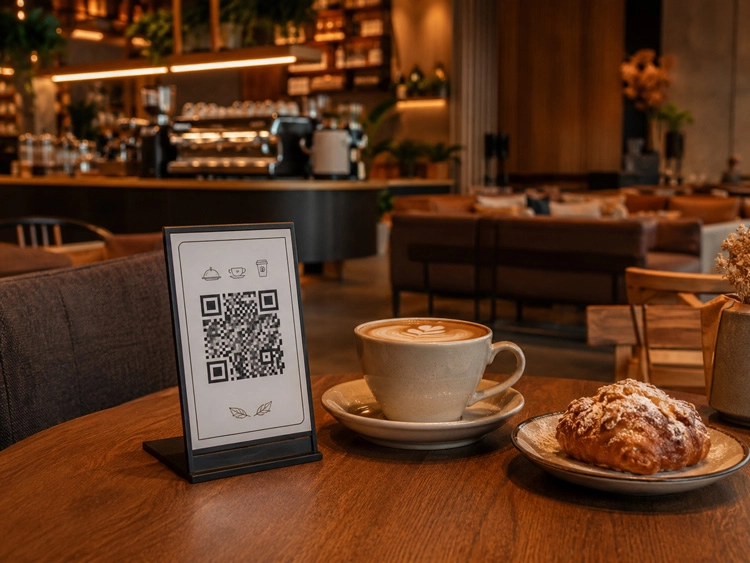
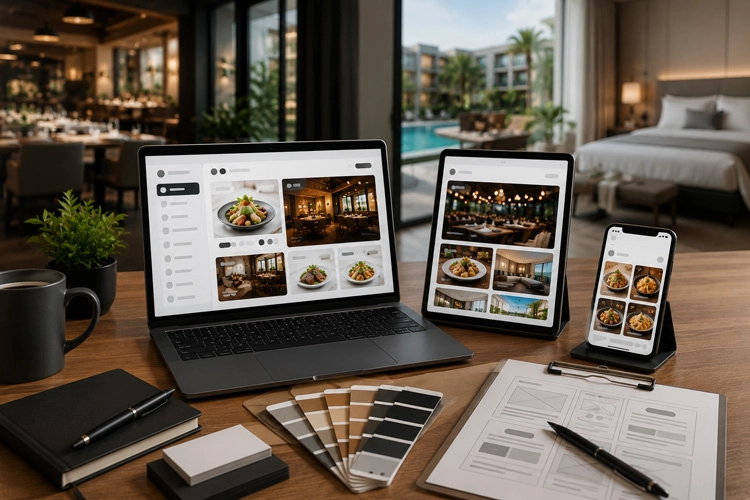
A QR menu is a digital menu that guests open by scanning a QR code with their phone camera. Unlike a static PDF, a modern QR menu system opens as a mobile-friendly web page and can be updated instantly from the management panel.

  • No app installation is required.
  • Prices, images and descriptions can be updated instantly.
  • A single QR code can serve multiple languages and currencies.

How Does a QR Menu System Work?

A QR menu system works with a simple flow: the business creates products and categories in the panel, the system generates QR codes, and guests scan the code to access the live digital menu.

  • Create your menu from the panel.
  • Generate table-based QR codes or NFC access.
  • Guests scan the code and view the current menu.

QR Menu System

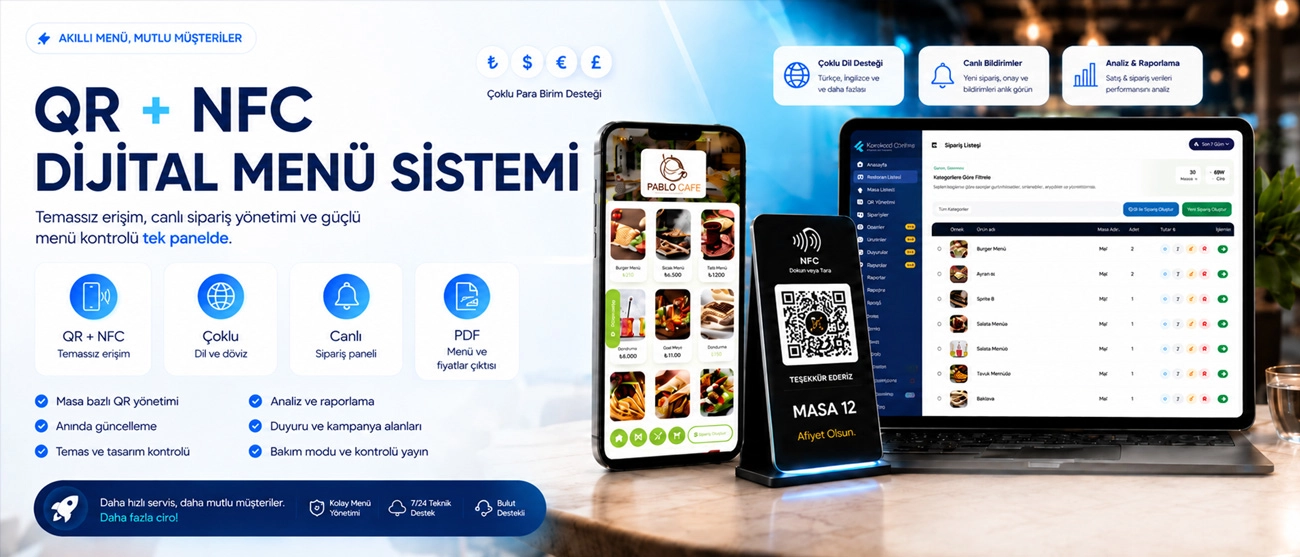
Karekod.Online is more than a QR code generator. It is a full digital menu system with product management, table-based QR codes, design control, analytics, live orders and multilingual publishing.

  • Manage products, categories and prices.
  • Customize your digital menu design.
  • Track menu views and table-based activity.

QR Menu System Features

A strong QR menu system should help businesses update content quickly, present products clearly and reduce operational friction. Karekod.Online combines QR, NFC, analytics, multi-language content and design tools in one platform.

  • QR and NFC access.
  • Multi-language and multi-currency support.
  • Analytics, PDF menu output and table stand design.

QR Menu Ordering Systems

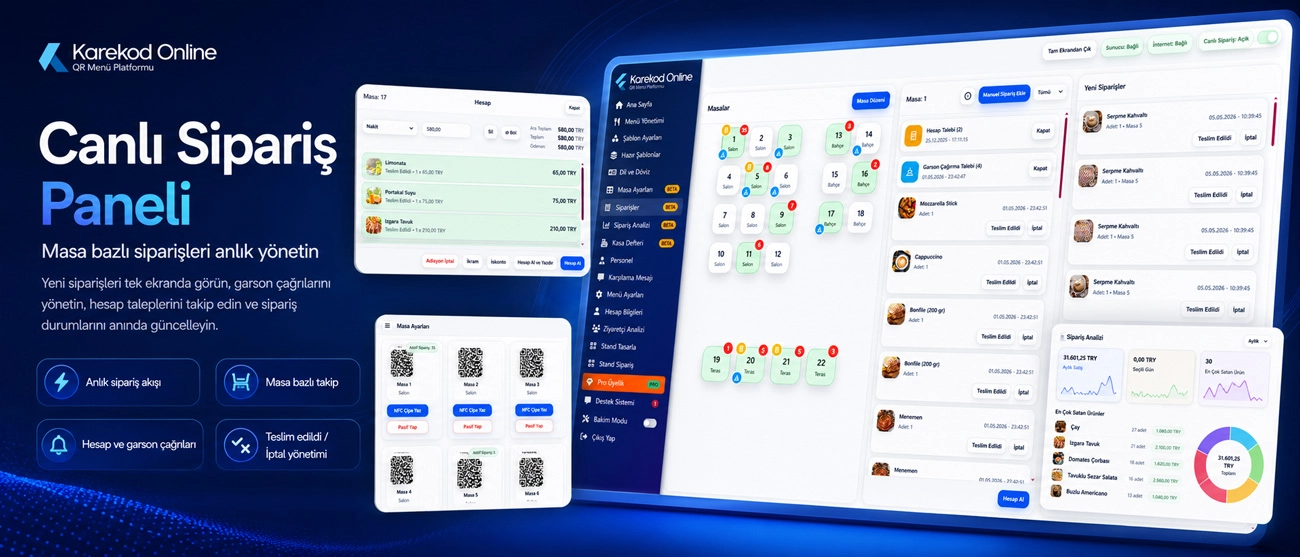
QR menu ordering systems allow guests to browse the menu, select products and send orders digitally. This can reduce waiting time, support staff efficiency and provide better table-based tracking.

  • Live order screen for staff.
  • Table-based order tracking.
  • Waiter call and bill request flows.

What Are the Advantages of a QR Menu System?

The main advantages of a QR menu system are lower printing costs, faster updates, better hygiene, multilingual service, improved product presentation and measurable visitor data.

  • Reduce printing and menu replacement costs.
  • Update prices and campaigns instantly.
  • Offer a modern, mobile-first guest experience.

View the live menu and panel

Review the guest-facing menu and management panel before starting.

Plans

QR Menu Pricing and Plans

Start quickly, then upgrade for advanced design, analytics, multi-language and operational features.

Monthly plansUpgrade based on your needs.
Plan

Free Start

Core QR menu features for a fast start.

0₺Forever
  • 40 product limit
  • 4 category limit
  • TR and EN menu language
  • QR menu design
  • Price and image management
  • Visitor analytics
Plan

Pro Plan

For businesses that need live orders and unlimited usage.

749₺Monthly
  • Unlimited products
  • Unlimited categories
  • Live order module
  • Order analytics
  • Advanced table management
  • Priority support
Featured system features

QR Menu System Features

Karekod.Online helps you manage your digital menu, update it instantly, track activity by table and deliver a brand-aligned menu experience.

QR and NFC Menu Access

Guests can open the menu instantly by scanning a QR code or tapping an NFC tag.

Table-Based QR Management

Create separate QR codes for each table and area, then track views and orders by table.

Instant Updates

Price, image, description and category changes go live without changing the QR code.

Multi-Language and AI Translation

Publish menu content in different languages and speed up translation with AI support.

Multi-Currency Support

Offer a suitable menu experience for international guests with ₺, $, €, £ and other currencies.

Live Order Panel

Manage table orders, check requests and waiter notifications from a single screen.

Theme and Design Control

Build a menu aligned with your brand using ready themes, colors, typography and device layouts.

Analytics and Reporting

Track visitor, table, area and order performance with reports.

PDF Menu and Stand Design

Create PDF menu outputs, QR table stands and print-ready design files.

Image Library

Use the ready image library when you do not have product photos, and add GIF visuals.

Announcement and Campaign Areas

Show daily menus, campaigns, welcome messages and featured content inside the menu.

Maintenance Mode and Controlled Publishing

Temporarily unpublish your menu and reactivate it when ready.

Detailed scope

Other Powerful QR Menu Features

Contactless menu access with QR code and NFC

Separate QR codes for every table

Instant updates without replacing QR/NFC materials

Unlimited products, categories and menu pages

Instant price and product image updates

Multi-language support with one-click AI translation

Multi-currency support

Live order list and table-based order tracking

Order analytics and reporting

Cashbook for income and expense tracking: cash, card, bank transfer and other payment types

Automatic income entry from bill/receipt closures

In-panel notifications for new orders and critical actions

Daily menu, campaign, announcement and welcome message areas

Flexible menu customization: layout, components and design creation

100+ ready templates/themes with instant theme switching

Brand-aligned design with color and typography settings

Separate desktop, tablet and mobile visual layout optimization

GIF support for product and category images

Ready product image library when you do not have photos

Nutrition values and portion/gram information for products

Social media links

Google Business Profile review redirect link

Detailed visitor analytics and weekly analytics email

Table and area-based view statistics

Maintenance mode to unpublish or reactivate the menu

PDF menu output and print-ready file download

QR table stand design with table number/area output

Free design with stand editor and print-ready file download

Hundreds of ready stand designs that can be edited and downloaded

Plexiglass stand order creation

Mobile-friendly, high-speed and lightweight menu infrastructure around 120ms opening time

24/7 email support and remote training session request

Authorized staff roles such as waiter and manager

QR Table Stand Designs

Ready-to-use stand visuals for table presentation

References

Sector-Based QR Menu Use Cases

Different operation models can use the same QR/NFC infrastructure with area-based menus, table-based tracking and multilingual presentation.

Restaurants

Restaurants

Table QR, instant price updates, live order monitoring and service flow control.

Cafés

Cafés

Fast menu publishing, campaign highlights, dessert/drink categories and mobile-first presentation.

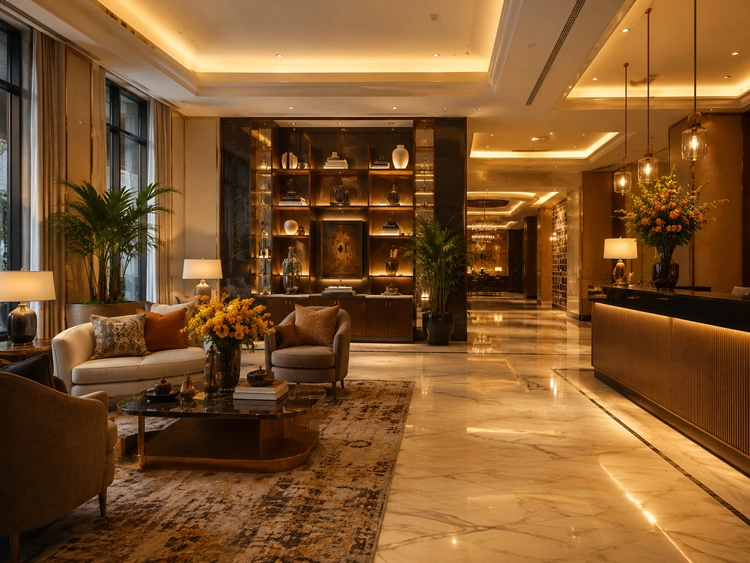
Hotels

Hotels

Room service, lobby, restaurant and spa menus managed with area-based QR structures.

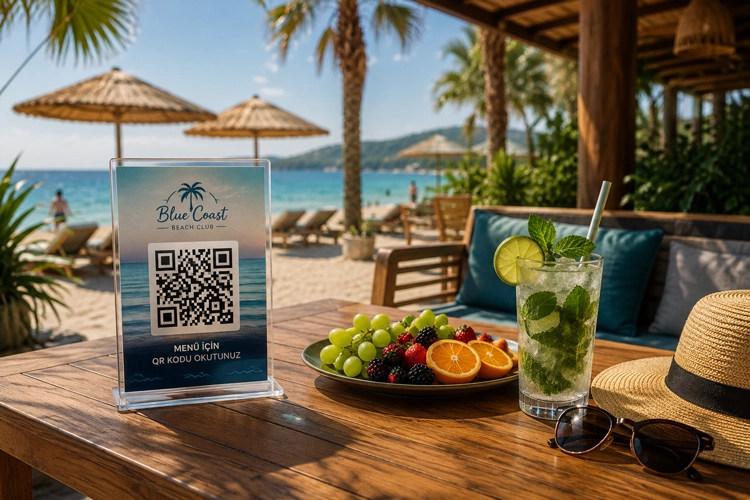
Beach Clubs

Beach Clubs

Poolside and beach area menus with table/zone tracking and fast guest access.

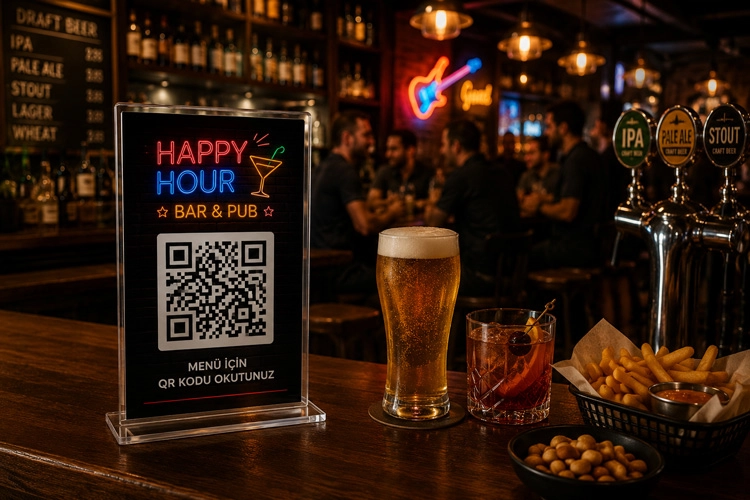
Bars & Pubs

Bars & Pubs

Happy hour announcements, multilingual drinks menu and fast update management.

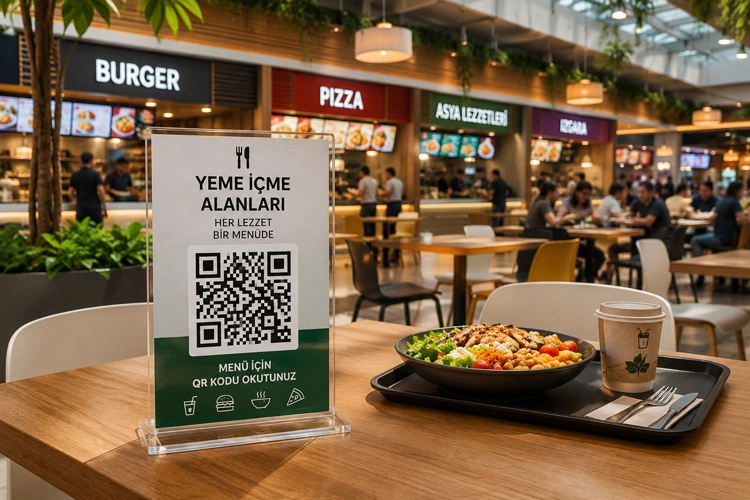
Food Courts

Food Courts

Multi-area menu management for shared spaces, counters and service points.

Franchise Brands

Franchise Brands

Standardized theme, product and content structure across multiple branches.

Agencies

Agencies

White-label style setup support for agencies serving restaurant and hospitality clients.

FAQ

Frequently Asked Questions About QR Menu Systems

You create your menu from the control panel. The system generates a QR code for your business; when guests scan it with their camera, your menu opens instantly. Updates to prices, content or images are reflected without changing the QR code.

If you do not have product photos, you can use stock visuals from the ready image library in the panel. You can later upload your own photos and replace existing images easily.

Yes. You can update your design at any time by changing themes/templates. Your changes are reflected on your menu instantly.

Yes. You can publish your menu in multiple languages. For supported languages, you can also translate content with AI in one click and edit the text after translation.

Yes. You can customize the menu layout and visual style to match your brand. You can also create print-ready stand files from the Stand Design screen.

You can design a stand in the panel and download the print-ready file for your own print shop. You can also create a plexiglass stand order through the system.

Yes. You can optimize layouts separately for desktop, tablet and mobile to provide the best appearance on every device.

You can manage theme selection, colors, typography, light/dark theme, logo placement, menu layout and device-based views. GIF support is also available for product and category visuals.

NFC is a contactless technology that opens the menu with one tap when a phone is held near a card or tag. In Karekod.online, an NFC stand or tag is assigned to your menu so guests can open it without scanning a QR code.

Support

Need help with setup?

Create your account, request remote training and receive support by email whenever you need it.

Contact Support